
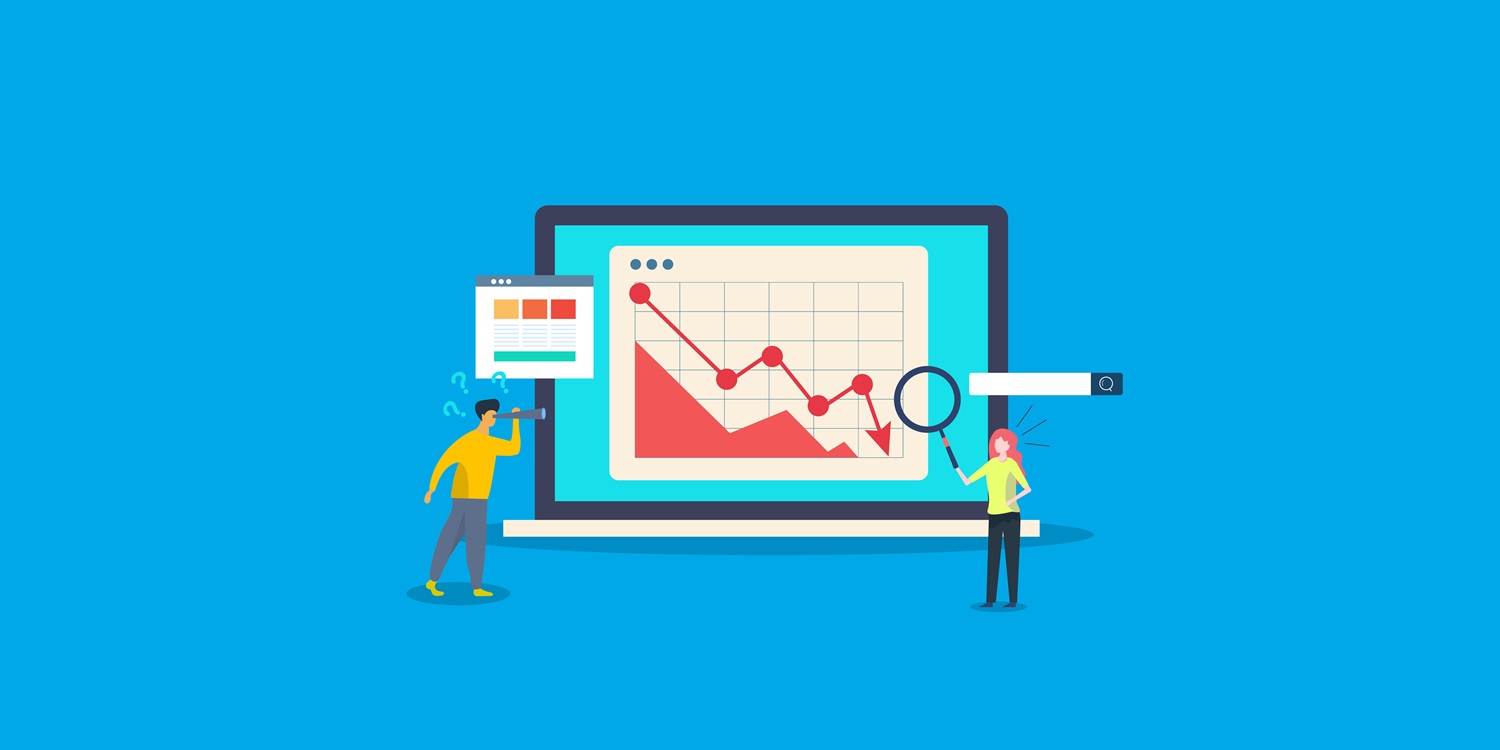
Opening Google Analytics can feel like a crapshoot sometimes. And it’s not always your fault or that your SEO is bad; it’s just as likely that Google made an unannounced update. When that happens, it’s easy to blame drops in traffic and sessions on the update, but that’s the easy way out. After experiencing a sudden drop in website traffic, establish which traffic source fell and whether the reports agree before jumping to conclusions.
Rule Out a Tracking Problem Before Anything Else
Your first question after experiencing a sudden drop in website traffic should be whether visitors disappeared or the counting did. Anyone managing a client’s full-service digital marketing plan should check the measurement before using a traffic chart to change the budget.
A useful example of this just occurred a few weeks ago. Users in Google’s Analytics Help Community reported missing September 1, 2026, figures while Realtime reports and Search Console still showed activity. That’s a discrepancy in the reporting, not an indication that visitors stopped reaching the site.
To test this, open Search Console and Analytics for the same dates. For this comparison, filter Analytics to sessions with source “google” and medium “organic.” Comparing all website sessions with Google Search clicks mixes different traffic sources. Google’s own combined-reporting guidance uses the narrower filter.
Search Console measures activity in Google’s results independently of your Analytics tag. If its clicks remain steady while Google organic sessions fall, investigate tracking, consent settings, and page-loading problems. Clicks and sessions won’t match exactly; look for a change in their usual relationship.
Check recent site work, too. A theme change or plugin update is a useful starting point when the timing matches the drop. Google’s Tag Assistant can show whether the tag appears on affected pages and sends events to the intended destination.
Is the Sudden Drop in Website Traffic Just Seasonal?
Once the measurement checks out, look at demand. Google lists seasonality and changing interests among the causes of lost search traffic and recommends examining longer-term patterns.
Take a pool company, for example. Nobody is searching for pool services in winter. If traffic for that pool company drops in the middle of September, it’s easy to see why. For companies like these, compare an active month against the same month the previous year. Separate queries for different services, as well. A decline in one service can disappear inside a sitewide total.
If you see similar drops at the same time of year consistently, that’s evidence of seasonality taking its toll. But it doesn’t guarantee there isn’t a tracking or technical problem at the same time.
Use Google Trends to investigate the demand side. Enter the service, select your state, and examine several years where sufficient data is available. Google recommends comparing the queries driving your traffic with broader search-interest trends.
The same exercise works for an HVAC contractor comparing heating and cooling searches or a coastal rental business reviewing demand around Labor Day. It’s just as easy to blame a sudden drop in website traffic on the calendar as it is to blame a Google update.
How to Tell If a Google Update Caused It
Compare the drop’s start date with Google’s Search Status Dashboard. The August 2026 spam update ran from August 18 through August 21. The May 2026 core update finished on June 2. Those are confirmed dates straight from Google’s incident records.
An overlap makes an update worth investigating, but timing alone does not explain which pages lost visibility or why.
Next, examine affected pages and queries. Google distinguishes a small position change, such as moving from 2 to 4, from a larger fall, such as 4 to 29. Its guidance advises against radical changes to content that is still performing well.
What to Do When the Update Is Unconfirmed
September’s speculation illustrates the problem. On September 10, Search Engine Watch discussed whether another core update might arrive while noting that Google had announced no September rollout. A third party making a prediction isn’t the same as a documented incident.
Record when your decline started and what changed on the site around that date. In Search Console’s Performance report, use the date filter’s Compare tab to examine equivalent periods, then identify the pages losing clicks.
Keep investigating while you monitor the trend. A broken page or accidental indexing block needs attention regardless of what forums are reporting.
For a confirmed core update, Google recommends waiting at least a full week after the rollout finishes before making the before-and-after assessment. That is guidance for interpreting update effects, not a reason to leave a known technical fault unresolved.
Check the Pages Behind a Sudden Drop in Website Traffic
Use the Pages tab within Search Console’s Performance report to find the URLs responsible for the decline. The separate Page indexing report helps investigate indexing problems, but it doesn’t measure page-level clicks.
Pay extra attention if you made radical design changes. Check whether old URLs redirect to their replacements and whether a staging site’s noindex instruction reached the live site. Google identifies site moves, removed pages, and crawl or indexing restrictions as possible causes of search-traffic loss.
URL Inspection shows what Google knows about a URL. Its live test can help check whether a current access problem has been fixed, but a successful result does not guarantee indexing.
These are technical SEO checks to run against the affected URLs. When reviewing work covered by SEO services, ask for the specific fault, the correction, and the follow-up check rather than a general recommendation to add content.
When Rankings Stay the Same but Clicks Still Fall
Steady impressions with fewer clicks means the click-through rate fell. It does not, by itself, establish that an AI answer took the traffic. Google’s troubleshooting guidance also points to competing results with more compelling titles, snippets, or search features.
Inspect the results for the affected queries and compare the same pages, devices, and countries. A sitewide average can conceal differences between those groups.
Zero-click search belongs among the possibilities to investigate. Look for answers or contact options available directly on the results page, then consider whether the searcher still needs to visit your site.
Any guide to SEO will tell you to use the on-page checks to review the displayed title, snippet, and match between the query and landing page. Pricing, service coverage, or booking information can make the page’s purpose clearer when those details genuinely answer the query.
The Local Business Version of This Problem
A plumber in Paterson could see fewer website visits while receiving more inquiries through a Business Profile. Google lets people click a profile’s call button without visiting the business website at all.
That makes profile activity worth reviewing alongside Google Maps SEO. It can’t prove that every missing website visit became a phone call, though.
Google Business Profile performance includes website clicks, direction requests, and call-button clicks where those metrics apply. Its “Calls” figure measures clicks on the button, not completed conversations or booked jobs.
Compare those actions with actual inquiries and bookings. If you’re working with a digital marketing company in NJ, ask for website, profile, and lead results together, with each metric clearly labeled. That puts more information at your fingertips than a simple success/failure declaration.
Common Questions About Sudden Drops in Website Traffic
How much of a traffic dip is normal from week to week?
There is no percentage that fits every site. Google notes that traffic can fluctuate with weekly and seasonal patterns, so compare the decline with your own history and equivalent periods.
Investigate a sharp, unexplained sudden drop in website traffic promptly rather than waiting for an arbitrary two-week threshold. A gradual decline may warrant a separate content decay review, but duration alone does not identify the cause.
Should I disavow backlinks after my traffic drops?
Usually not. Google says most sites do not need the tool. Its guidance reserves disavowal for a considerable number of artificial or low-quality links that have caused, or are likely to cause, a manual action, after attempting removal. A traffic decline alone is not that diagnosis.
How long does recovery take after a traffic drop?
The cause determines what recovery requires. A corrected technical problem still needs Google to recrawl and process the affected pages, which Google says can take anywhere from a few days to a few weeks.
Broader content improvements can take months to be reassessed. Google says some changes may show effects before another core update, while others may not show progress until a later one. Neither the fix nor the next update guarantees a return to previous traffic levels.
Build the Baseline Before the Next Drop
The Wayne example begins with six title changes made before anyone checks the comparison. A saved report and a dated change log would give the owner a better starting point than a forum thread.
Keep snapshots of Google organic traffic, the pages bringing in clicks, and the inquiries the business receives. Record site launches and tracking changes alongside them.
When the next sudden drop in website traffic appears, put the before-and-after evidence in that same file. The spreadsheet may not contain the answer yet, but it will show which question to investigate before another page gets rewritten.
Sources
Google Search Central: Debugging Drops in Google Search Traffic
Search Console Help: Why Did My Site Traffic Drop?
Google Search Central: Using Search Console and Google Analytics Data for SEO
Search Engine Watch: Could Google’s Next Core Update Arrive in September 2026?